NubsLab

Blog

  • Nintendo Switch 2 Games & Gear

    The Nintendo Switch 2 is here — and this page is where I’m tracking the gear and games worth actually getting. Everything below is stuff I’ve been watching closely: the console itself, the launch titles, and the accessories that make it worth owning. All Amazon affiliate links.

    📎 Heads up: Some links on this page are Amazon affiliate links. If you buy through them, I earn a small commission — at no extra cost to you. I only link to gear I actually use or have used. Privacy Policy
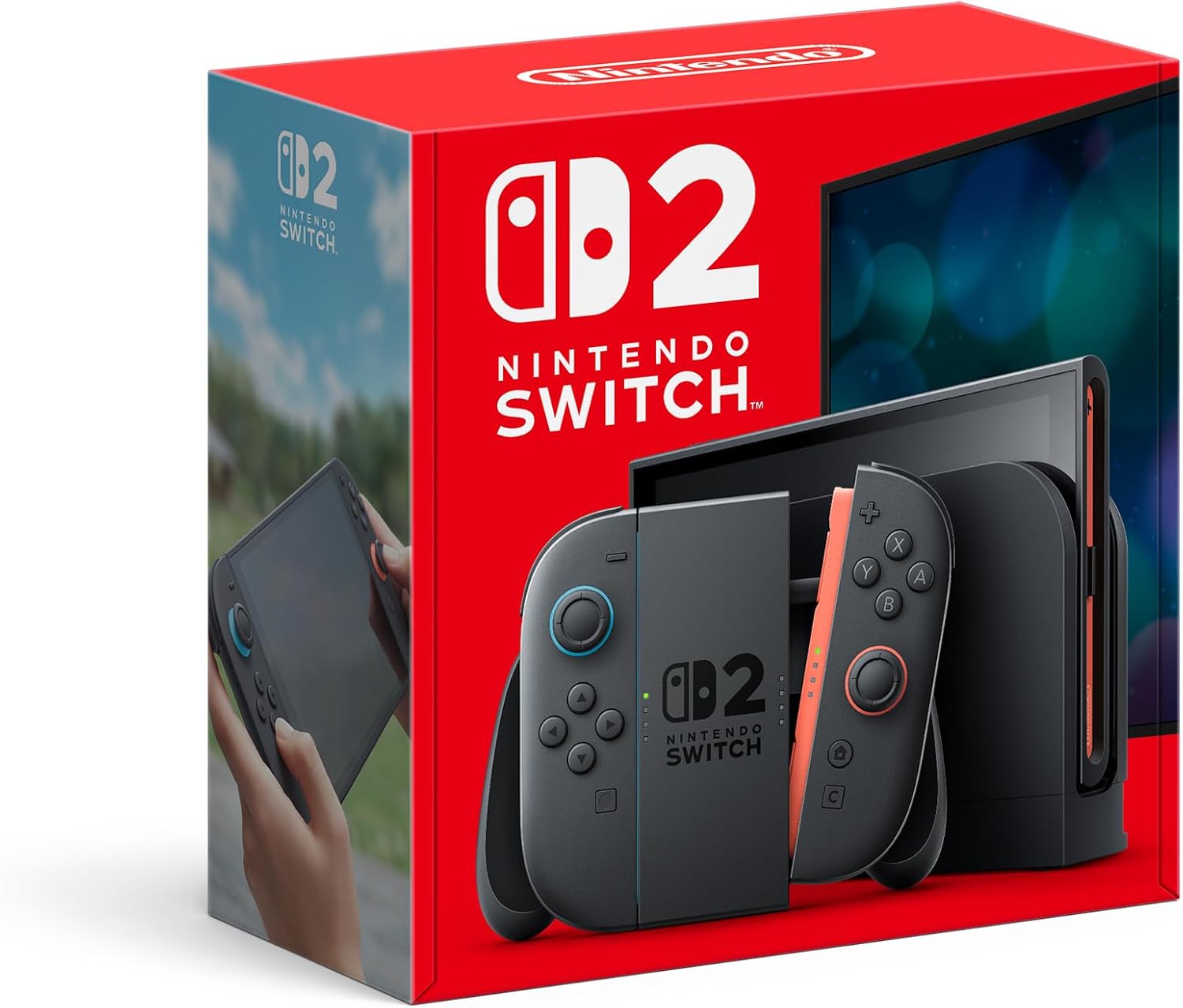
    Nintendo Switch™ 2 System – main view
    Console

    Nintendo Switchâ„¢ 2 System

    The Switch 2 is a serious upgrade — 7.9″ 1080p screen, up to 4K docked at 120fps, and the new GameChat system built right in. It keeps the same handheld-to-TV flexibility that made the original a hit, just with noticeably better performance. Backwards compatible with a large chunk of your Switch library, so the jump isn’t starting from scratch.
    View on Amazon →

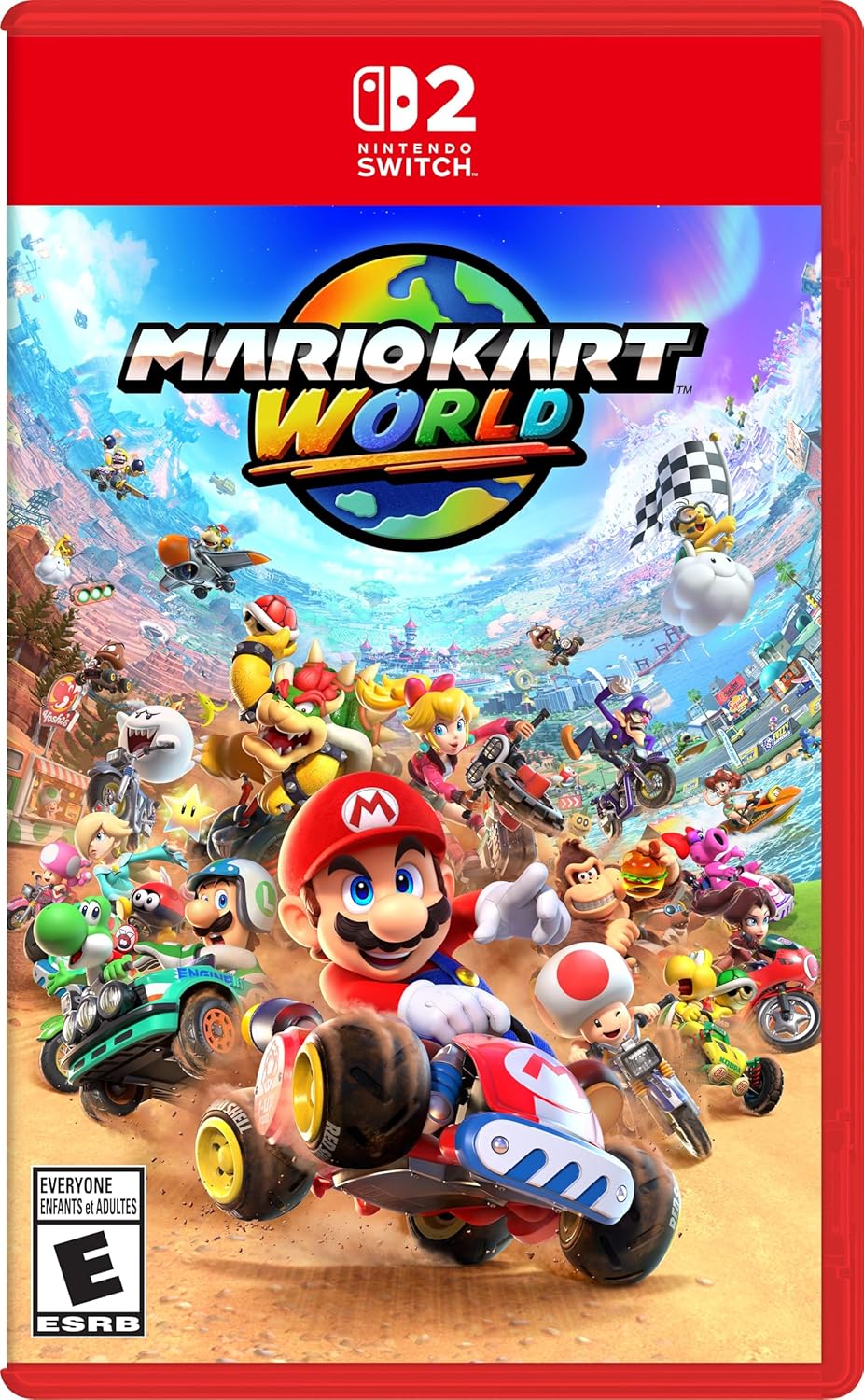
    Mario Kart™ World – Nintendo Switch™ 2 Edition (CAN Version) – main view
    Racing Game

    Mario Kart™ World – Nintendo Switch™ 2 Edition (CAN Version)

    Mario Kart World is the first major entry since MK8 Deluxe and it shows — open interconnected world, new Knockout Tour elimination mode, and a fresh roster of drivers and courses. Exclusive to Switch 2, so it’s built to show off what the hardware can actually do. The kind of game you buy a console for.
    View on Amazon →

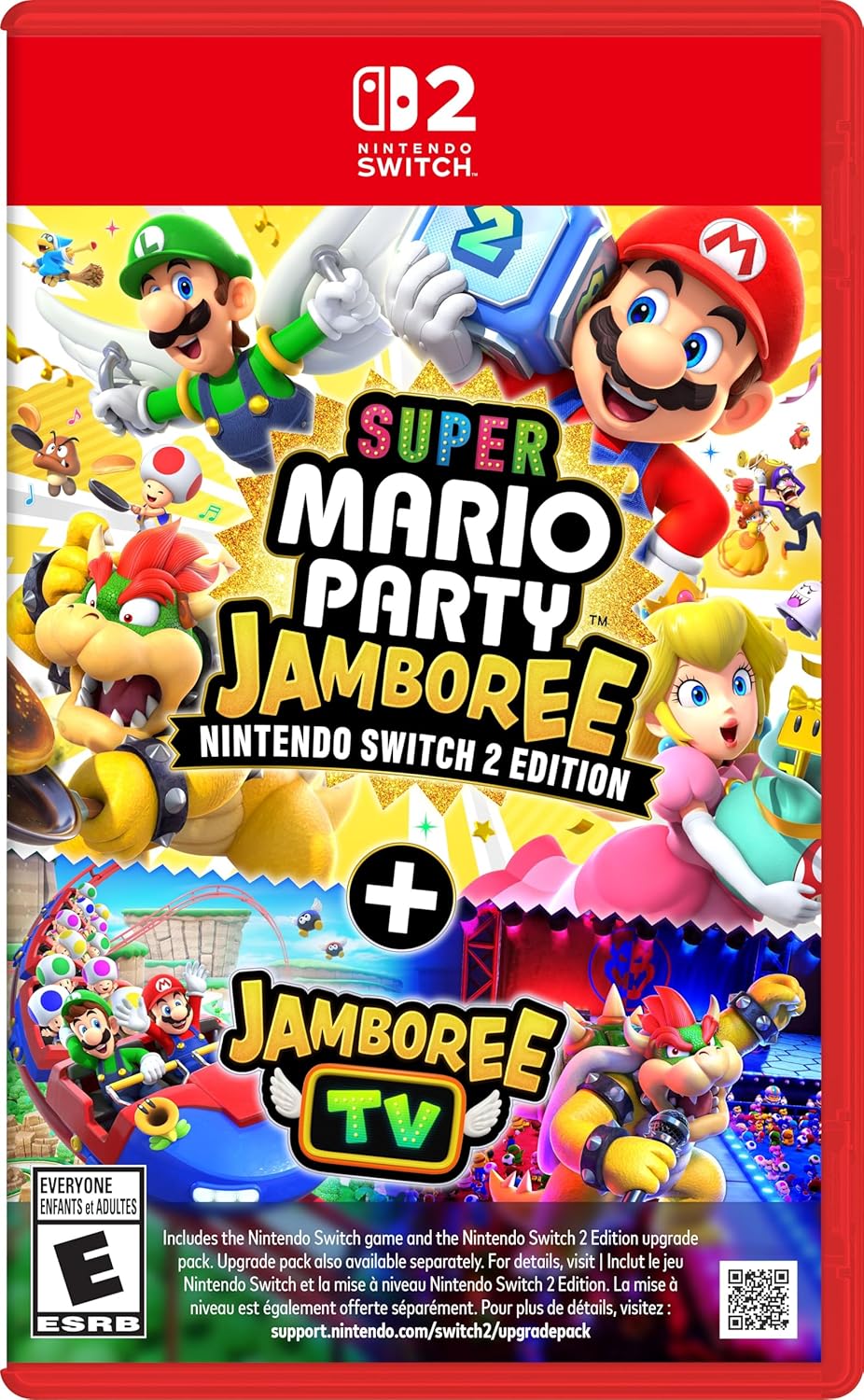
    Super Mario Party™ Jamboree - Nintendo Switch™ 2 Edition + Jamboree TV (CAN Version) – main view
    Party Game

    Super Mario Partyâ„¢ Jamboree – Nintendo Switchâ„¢ 2 Edition + Jamboree TV (CAN Version)

    The NS2 Edition of Jamboree adds Jamboree TV — a game-show mode hosted by Toad where you and your friends are the contestants. It also has Switch 2-exclusive minigames in Carnival Coaster and Bowser Live. If you’re buying a Switch 2 and have people to play with, this is the obvious multiplayer pack-in pick.
    View on Amazon →

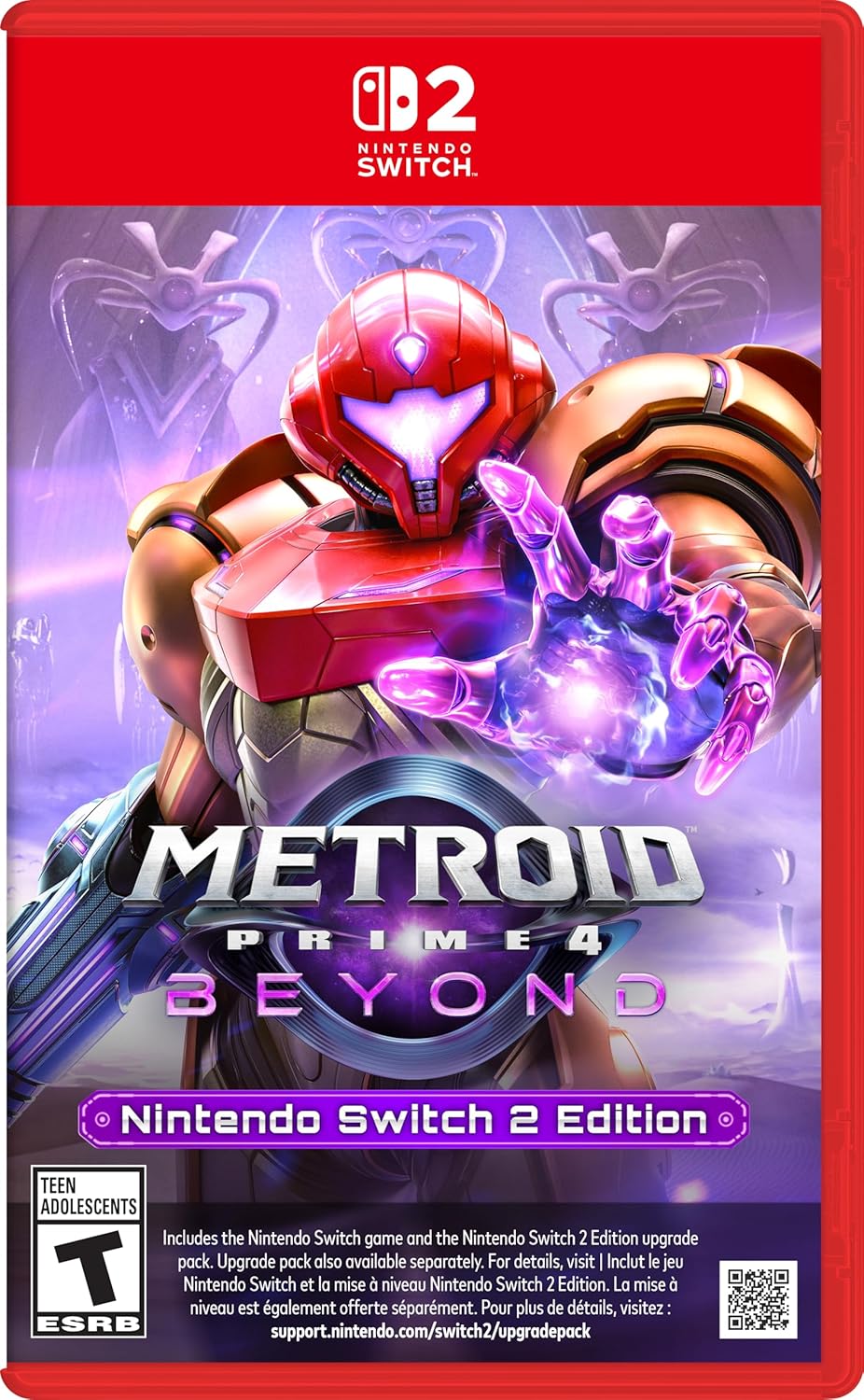
    Metroid Prime™ 4: Beyond - Nintendo Switch™ 2 (CAN Version) - Standard Edition – main view
    Action Game

    Metroid Primeâ„¢ 4: Beyond – Nintendo Switchâ„¢ 2 (CAN Version) – Standard Edition

    Metroid Prime 4 was stuck in development purgatory for years, and the Switch 2 version is the definitive way to play it — mouse controls via the Joy-Con 2, enhanced visuals, and two display modes. If you’re into atmospheric sci-fi exploration with tight first-person combat, this one’s been worth the wait.
    View on Amazon →

    Joy-Con™ 2 (L)/(R) Light Blue/Light Red – main view
    Controllers

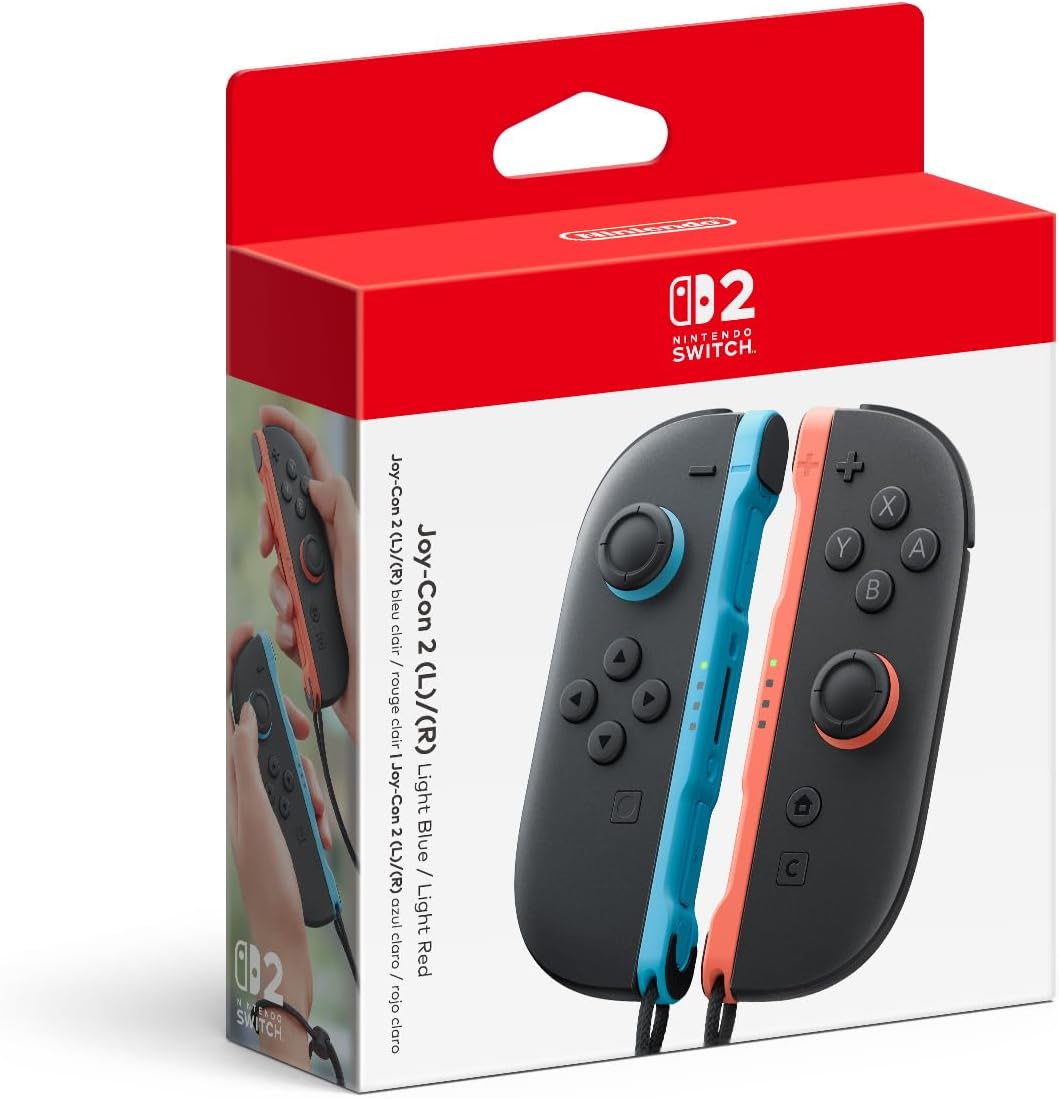
    Joy-Conâ„¢ 2 (L)/(R) Light Blue/Light Red

    An extra set of Joy-Con 2s so you don’t have to pass a single pair back and forth. The new C Button gives quick access to GameChat, and mouse-mode controls work in supported games. Light Blue/Red is a clean colourway — stands out without being loud. Solid upgrade from the original Joy-Cons, especially for local co-op.


    View on Amazon →

  • Network Gear I Actually Use

    This is the UniFi stack I actually run at home — not a sponsored list, just the gear that’s been sitting in my rack doing its job. Everything here is what I’d buy again. All Amazon affiliate links.

    📎 Heads up: Some links on this page are Amazon affiliate links. If you buy through them, I earn a small commission — at no extra cost to you. I only link to gear I actually use or have used. Privacy Policy

    Ubiquiti UDM-SE UniFi Dream Machine Special Edition – main view
    Router

    Ubiquiti UDM-SE — UniFi Dream Machine Special Edition

    The upgraded all-in-one security gateway — same rack-mount 1U form factor as the UDM-Pro but with built-in PoE ports, a 10G SFP+ WAN uplink, and a 2.5G RJ45 WAN port. Runs the full UniFi controller with IDS/IPS, and everything plugs right into its own switch ports. Still overkill for most home labs — which is exactly why I love it.

    View on Amazon →

    Ubiquiti USW-Pro-Max-16-PoE switch – main view
    Switch

    Ubiquiti USW-Pro-Max-16-PoE — UniFi Switch Pro Max 16 PoE

    16-port Layer 3 switch with Etherlighting, 2.5 GbE PoE++, and 180W total budget. Fanless, rack/wall/desktop mountable, and managed entirely in UniFi. Replaced my USW-Pro-48 — more than enough ports for my lab and the 2.5G uplinks are a genuine upgrade.

    View on Amazon →

    Ubiquiti U7 Lite – main view
    Access Point

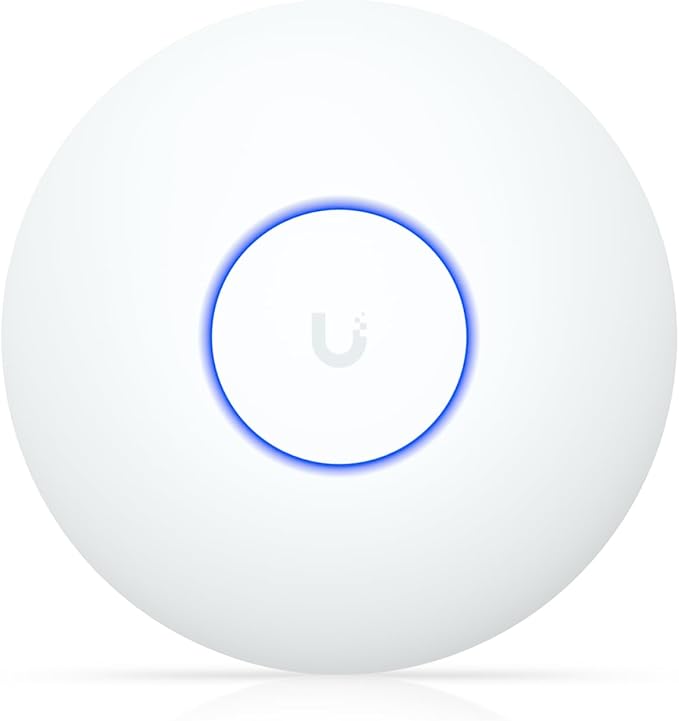
    Ubiquiti U7 Lite — UniFi WiFi 7 AP

    The U7 Lite is Ubiquiti’s entry into WiFi 7 — ceiling-mounted, dual-band, 4 spatial streams, and a 2.5 GbE uplink in a compact form factor. It’s the obvious upgrade from the U6-Lite if you’re already in the UniFi ecosystem. Same PoE-powered simplicity, noticeably better throughput and latency.

    View on Amazon →

    Ubiquiti U7-Pro-Wall in-wall WiFi 7 access point – main view
    Access Point

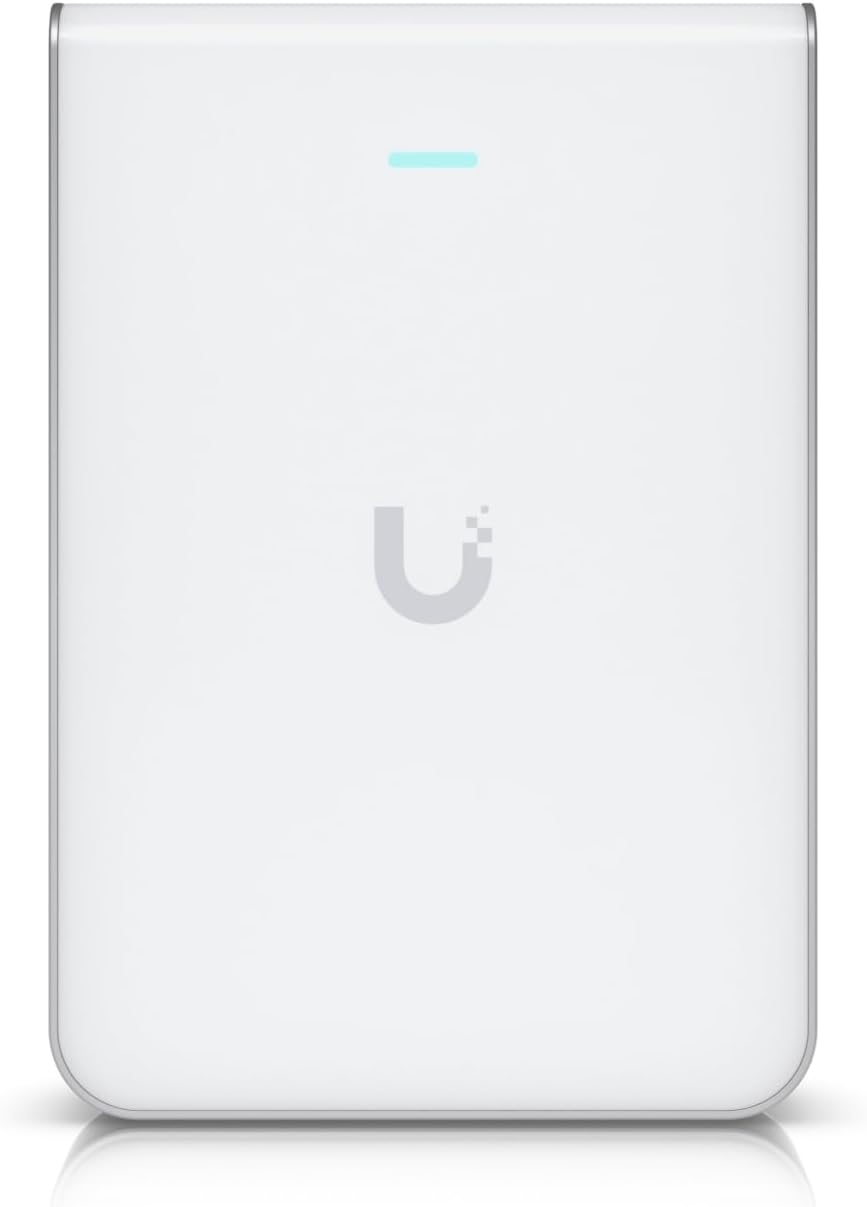
    Ubiquiti U7-Pro-Wall — UniFi WiFi 7 In-Wall Access Point

    WiFi 7 in a wall-plate form factor. Replaces a standard wall outlet, runs PoE, and manages through the same UniFi dashboard. Clean install with no ceiling mount needed — great for offices, hallways, and hotel-style deployments.

    View on Amazon →

    Ubiquiti U7 Pro – main view
    Access Point

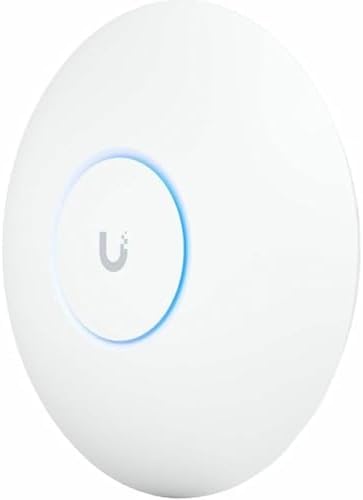
    Ubiquiti U7 Pro — UniFi WiFi 7 AP

    The U7 Pro is Ubiquiti’s flagship ceiling AP — tri-band WiFi 7 with 6 spatial streams and a 2.5 GbE uplink. Handles dense environments without breaking a sweat. If you’re running a serious home network or small office setup on UniFi, this is the one to buy and not think about again.

    View on Amazon →

    GearIT 20-Pack Cat6 Patch Cables 1.5ft Blue
    Patch Cables

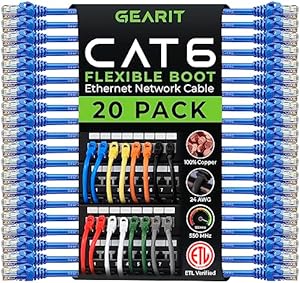
    GearIT Cat6 Patch Cables — 20-Pack, 1.5ft, Blue

    Short patch cables for clean rack wiring. Snagless flexible tab, solid Cat6 construction. I use these behind the patch panel and switch — keeps things tidy. Buy a 20-pack once and forget about it for years.

    View on Amazon →

  • Welcome to Finds

    Finds is the most eclectic section of NubsLab — a running collection of things worth knowing about. Products, resources, rabbit holes, hidden gems. The kind of stuff you stumble across and immediately want to share.

    Expect variety here. Tech finds, creative tools, interesting reads, gear you did not know existed but now cannot imagine living without.

    Why Finds?

    Not everything fits neatly into a guide or a tool review. Some things just deserve a spotlight. That is what this section is for — the interesting, the useful, and the occasionally surprising.

    New finds added regularly. Worth bookmarking.

  • Welcome to Tools

    The Tools section is a curated collection of software, hardware, and services that are actually worth your time. No sponsored noise, no affiliate-bait lists padded with products nobody uses.

    Every recommendation here has been evaluated on its own merits — usefulness, reliability, value for money, and how well it fits into a real workflow.

    Categories of Tools

    • Networking and home lab gear
    • Productivity and automation software
    • Developer and sysadmin utilities
    • Everyday apps worth switching to

    More tool reviews and roundups coming soon.

  • Welcome to Guides

    Welcome to the Guides section of NubsLab. This is where you will find step-by-step walkthroughs, practical how-tos, and in-depth write-ups on topics worth understanding properly.

    Whether you are setting up a home lab, configuring a network, or just trying to get something done without sifting through a dozen forum threads — this is the place. No fluff, no filler. Just the stuff that actually works.

    What to Expect

    • Clear, tested instructions
    • Context on why, not just how
    • Regular updates as tools and methods evolve

    More guides are on the way. Check back soon.

×